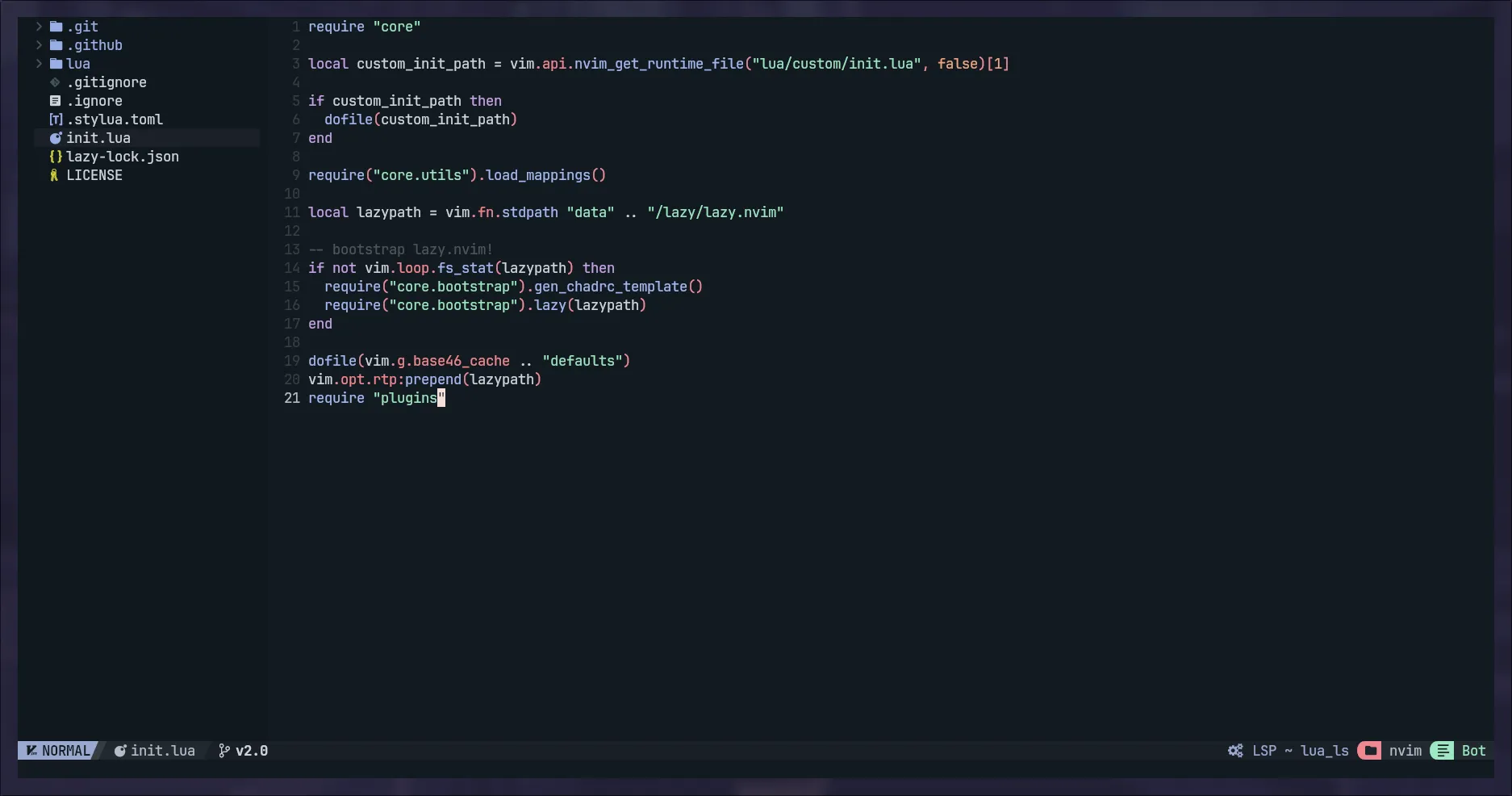
Made neovim into a full featured IDE with NvChad: A Comprehensive Guide
· Updated: Sep 11, 2024 · Neovim
Overview
Have you try to use Neovim as your IDE? that might be difficult for the first initial setup. But, with NvChad, you can easily turn Neovim into a full-featured IDE with just one command. after that, you also can install various plugins that you need.
What’s NvChad?
NvChad is a community-driven Neovim setup that provides a comprehensive IDE experience. It includes various features. You can just say it’s a full-featured IDE of vscode.
Installation
Begin to install NvChad, Please ensure you have Neovim installed, Also for To avoid appearing error, please rmove any existing configurations.
rm -rfv ~/.local/share/nvimThen, install NvChad using:
git clone https://github.com/NvChad/starter ~/.config/nvimafter that, open Neovim and run:
nvimand now will be automatically install all the plugins that required by NvChad.
NvChad usage
NvChad provides various features and shortcuts to enhance your Neovim experience. Here are some of the most useful ones:
Theming
NvChad provides various themes. To access them, press Space + t + h in Neovim and choose from the available options.
Syntax Highlighting
For language syntax highlighting, manually install supported languages. In Neovim, use:
:TSInstall css html javascriptThis example installs support for CSS, HTML, and JavaScript.
Check installed syntax highlighting using:
:TsInstallInfoFile Tree and Shortcuts
Navigate the file tree with Ctrl + n. Useful shortcuts include:
- Select file: Arrow keys
- Open file:
Enter - Delete file:
d - Create directory/file: Press
a, enter name - Copy directory/file:
c - Paste directory/file:
p - Rename directory/file:
r, enter name
Finding Files
Use Space + f + f to search for files.
Cheatsheet
Access the NvChad cheatsheet with Space + c + h.
Result
I can’t think of any other word. Its just wondeful.
What are the reasons need vscode? Just Deleteing VSCode lmfao